Provision allows you to create custom risk checklists tailored to your firm’s specific risk profile. These checklists make it easy to standardize reviews and ensure consistency.
How to create a custom checklist:
Step 1:
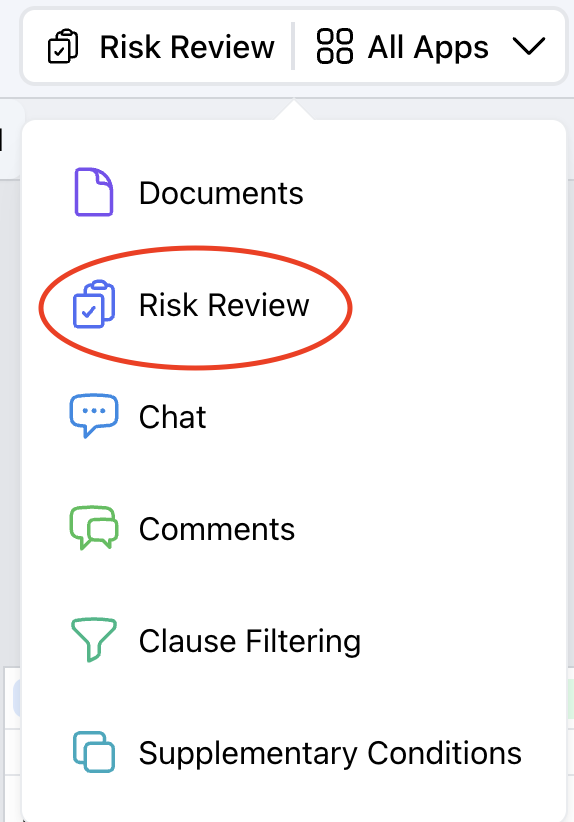
Go to the Risk review section in All Apps and click on Custom Checklists.
Step 2:
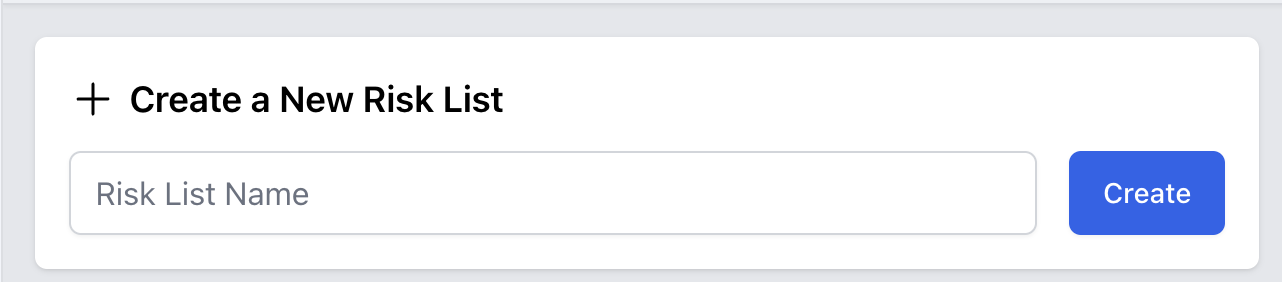
Click Create New Checklist. Enter a clear, descriptive name.
Step 3:
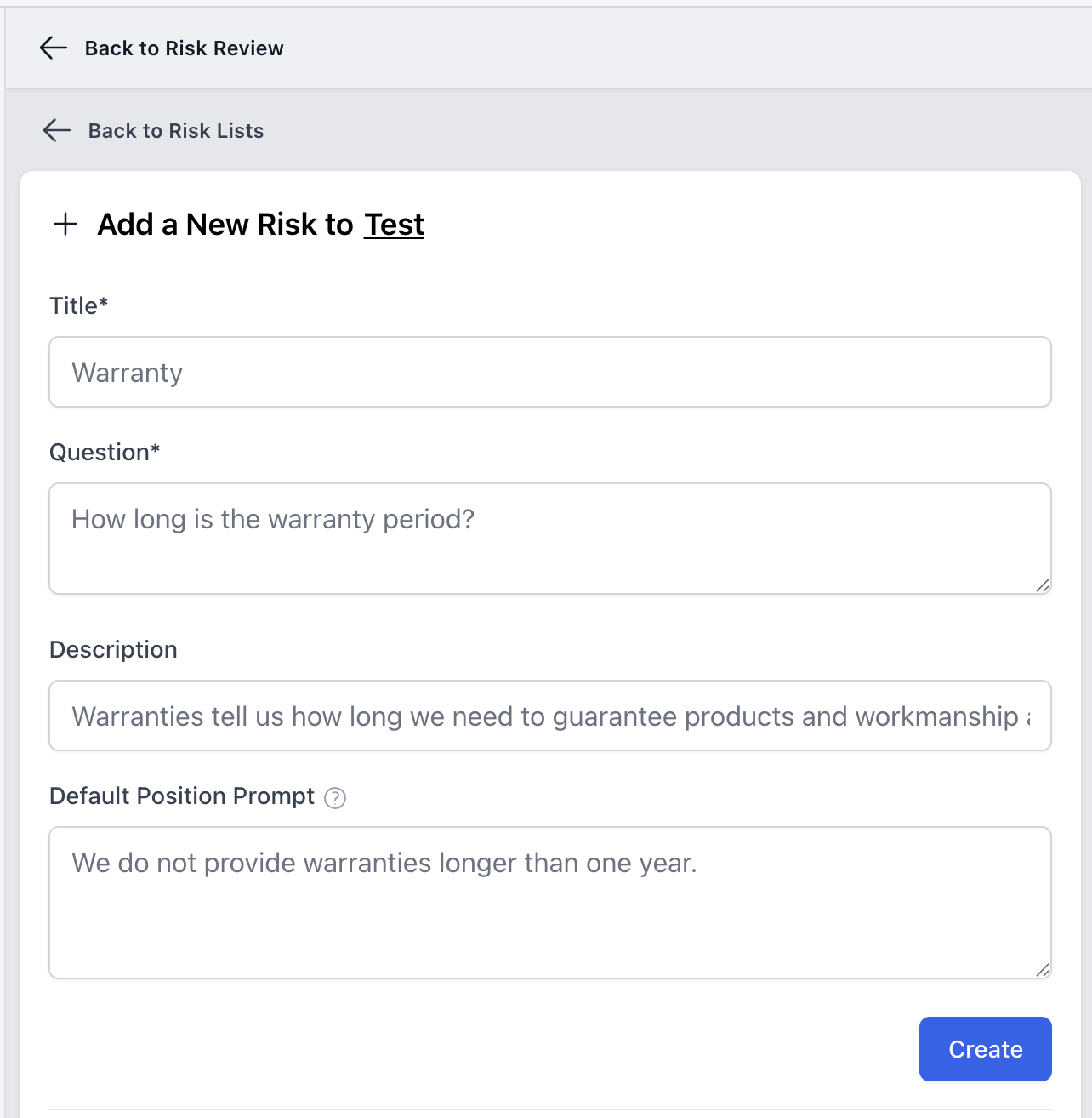
Add check items, for each item you want to include: 1. Input a title (e.g., "Close Date). 2. Add a question phrased for AI (e.g., "When is the RFP submission deadline?"). 3. Provide a description to explain context or usage to others. 4. Optionally, set a deault position, which represents your internal standard or prefernce (e.g., "Submission date should be clearly stated in the RFP."
Step 4:
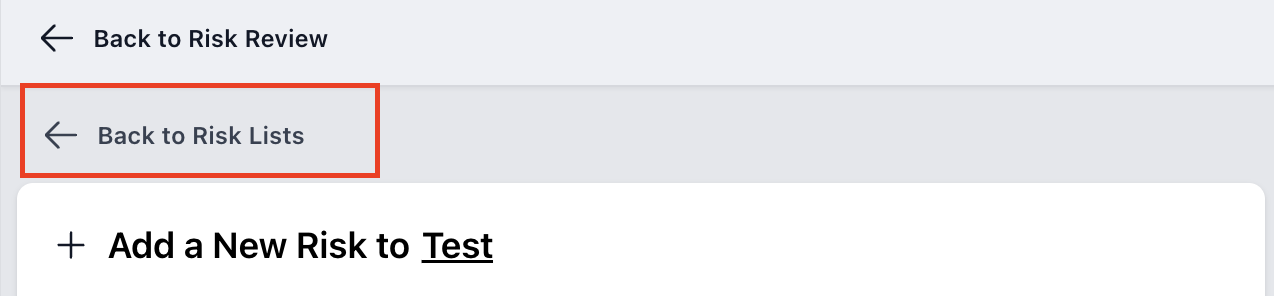
To run your checklist, return back to Risk Lists. Locate your custom checklist and click. Run to apply it your uploaded documents.
Step 5:
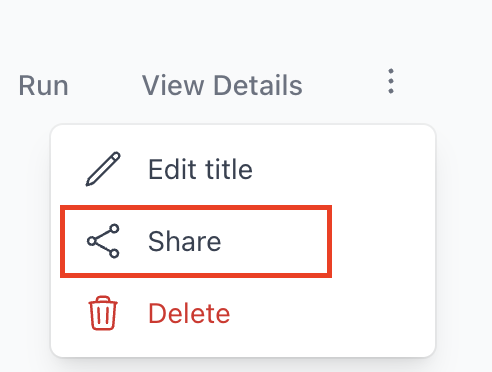
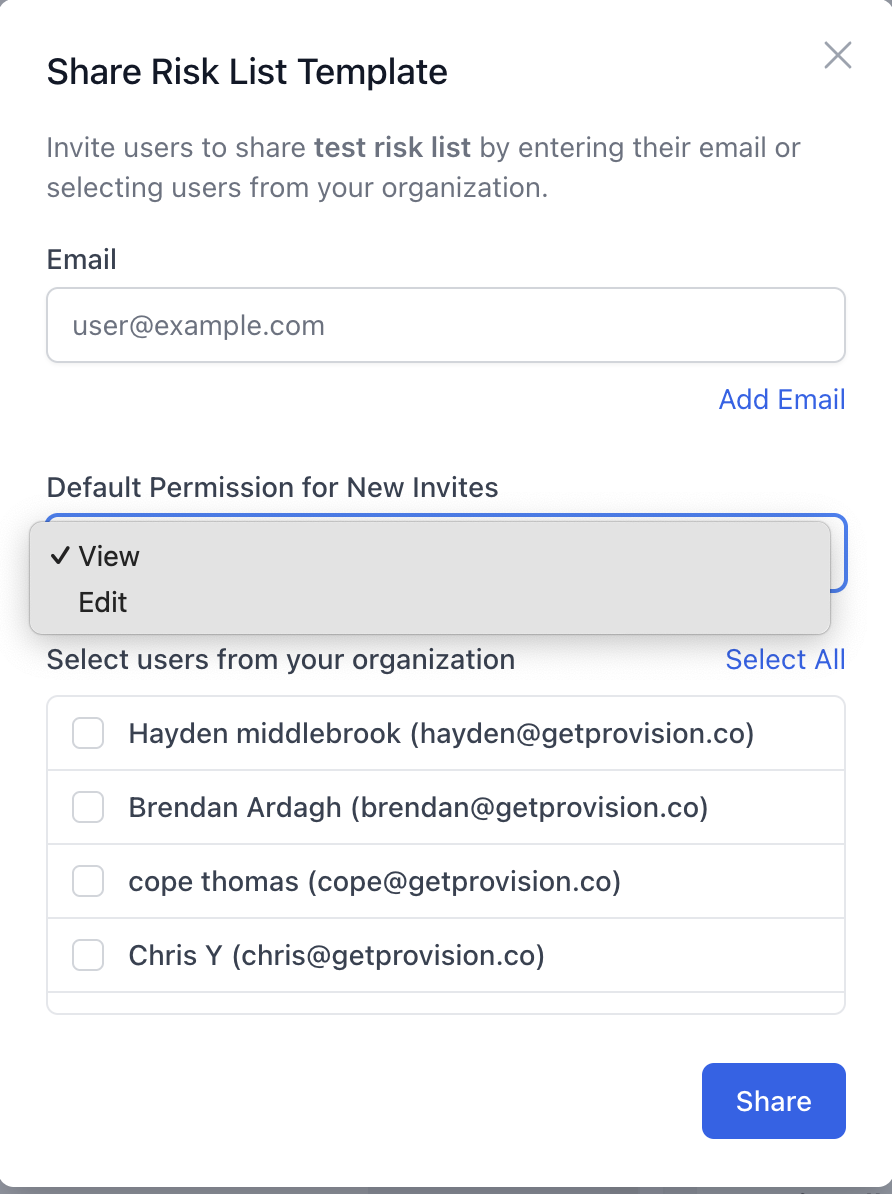
To share your checklist, click the elipsis (⋮) next to your list. Select share and enter the email address of the person(s) you want to share it with Choose whether to allow view-only access or grant edit permissions.