
Inviting/Adding other users to a Project
To add a user to a project:
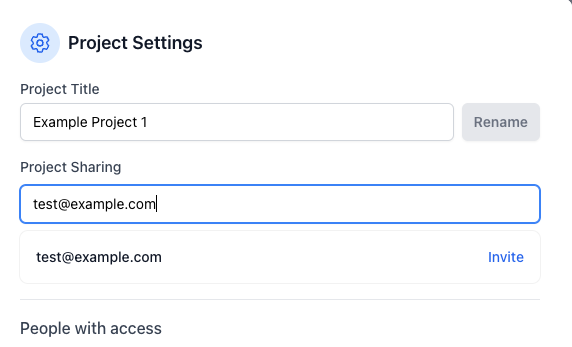
- Open the project settings (gear icon next to the project name).
- Enter the email of the user you would like to invite to the project.
- Click 'Invite'.
Note: If the user you invited is already on Provision they will get access to your project; if they are not yet on Provision, they will receive an invite email to setup an account, once their account is created they will have access to your project.